Turn SmartSlaps into community support.
Choose the community mission you support. Build a team, share SmartSlaps, and invite supporters to scan the QR and donate.
Need SmartSlaps? Request a community fundraising starter kit
Want to organize community support?
Adults can create or join a school, library, or public-safety team. Get the steps, a launch checklist, and a ready-to-personalize invitation.
Adults manage teams and fundraising links. Children have no sales quotas.
Share. Scan. Donate.
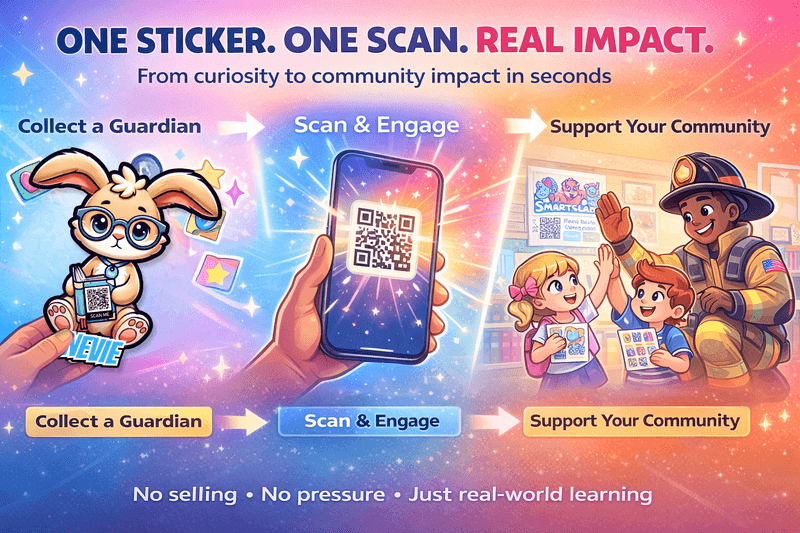
SmartSlaps are your connection to community giving. Here is the path from a conversation to a donation.
Share your SmartSlaps.
Choose from the SmartSlaps available through your participating team. With permission, place yours on a suitable item and keep the QR visible. Explain the mission your team supports.
Scan the QR.
Use a phone camera to scan the SmartSlap QR. It opens smartslaps.org/scan, where supporters can choose where to give.
Choose a cause and donate.
Choose a school, library, police, fire or EMS mission, or support the Foundation. Enter the intended recipient and complete the gift. For team credit, check the team selected in checkout.
Try this together: “Our team supports ___. Scan this SmartSlap to choose a cause and donate.”
Find instructions for your setting.
Choose your setting for practical starting instructions, activity ideas, and guidance for the grown-ups helping children participate.
Parents & families
Bring your family or homeschool community together to support a service you care about.
Open the family guide →Schools & classrooms
Create a classroom page within your school team and invite the community to support your goal.
Open the classroom guide →Libraries & learning spaces
Choose Guardians for your library team and rally support for its programs and services.
Open the library guide →
Fire departments & outreach
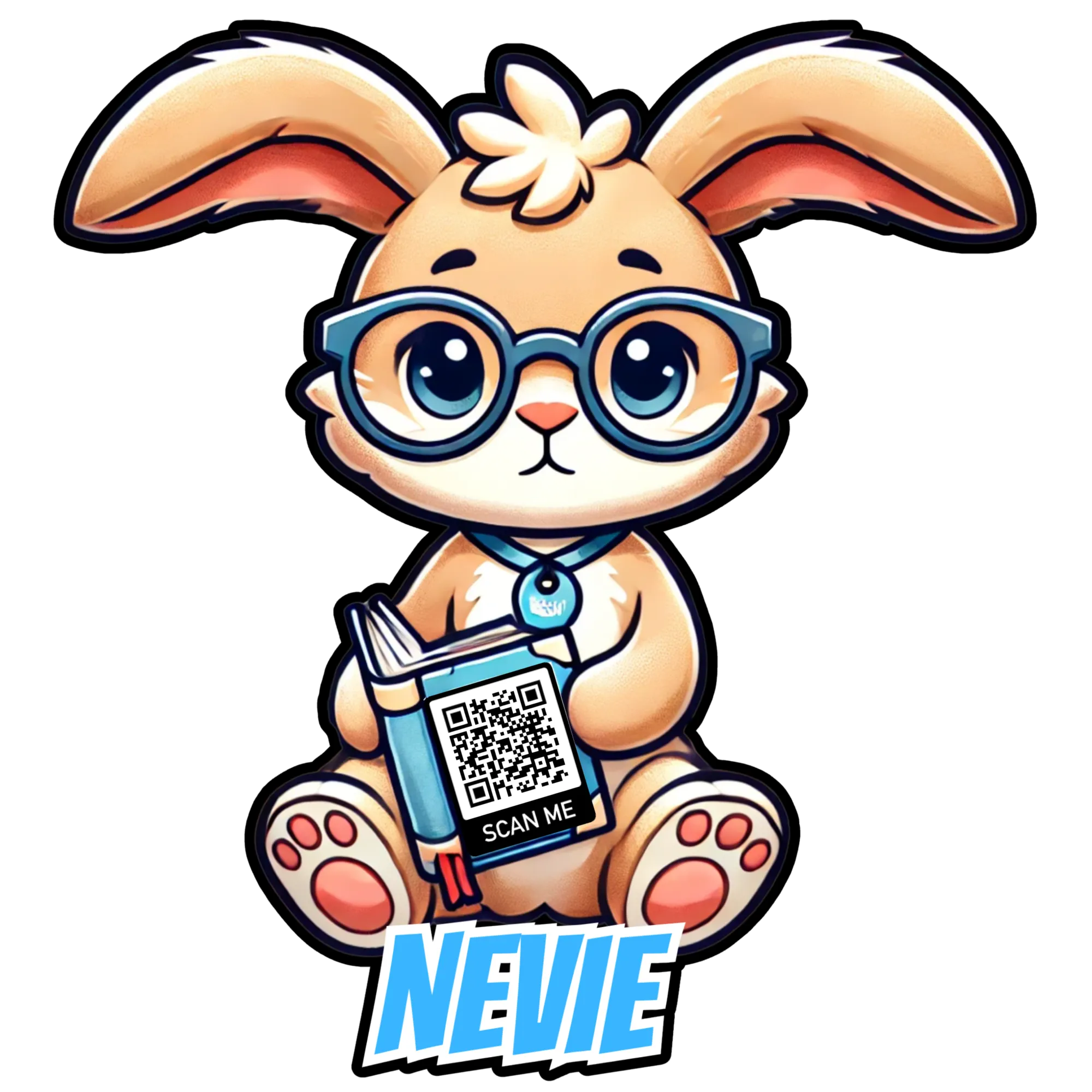
Connect Fernley with your department's approved school visits, station tours, and family outreach.
Open the fire outreach guide →
EMS & hospital outreach
Use Reno in approved outreach to introduce the people behind emergency response and community care.
Open the EMS guide →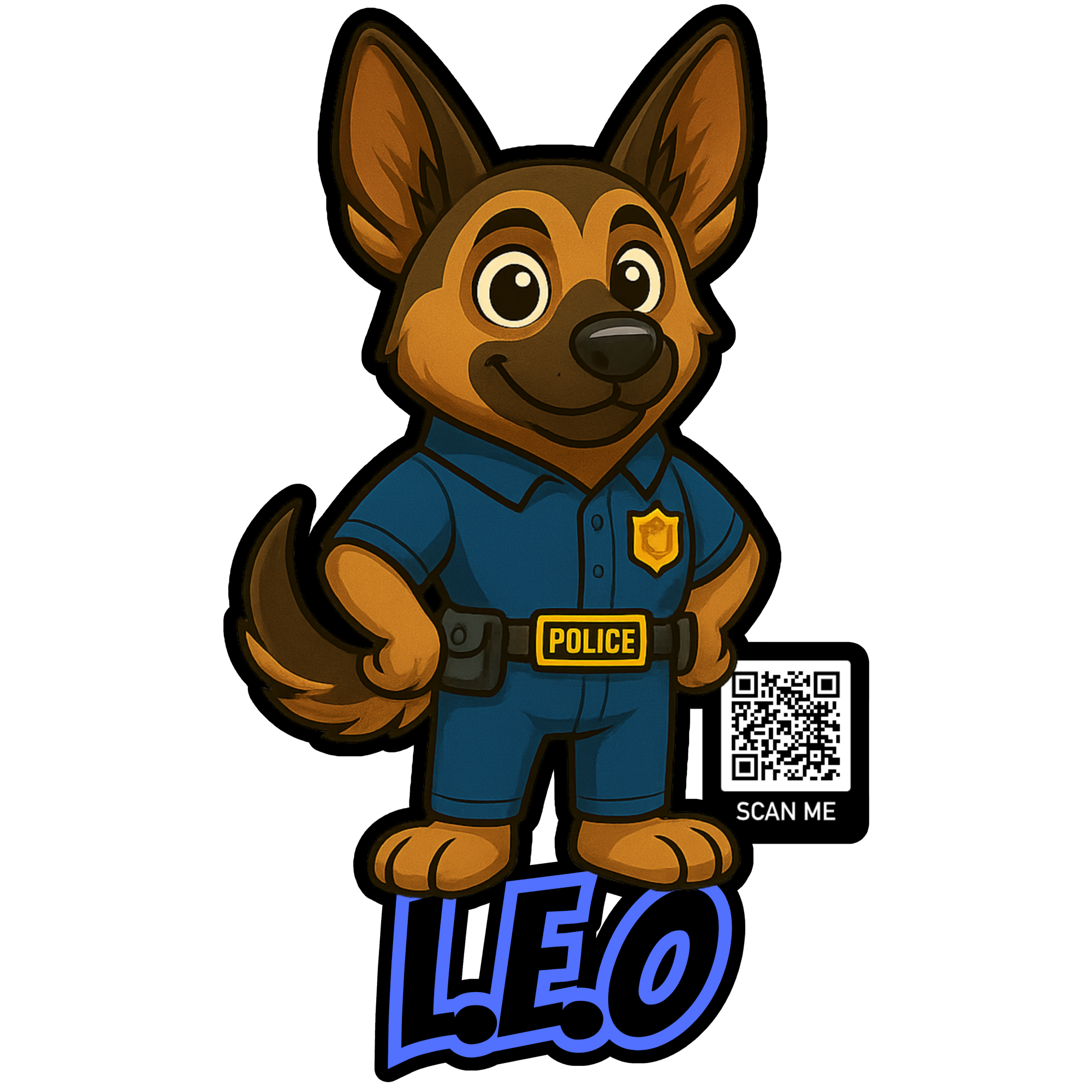
Law enforcement & community safety
Connect Leo with scheduled, adult-led conversations about responsibility, respect, and service.
Open the community safety guide →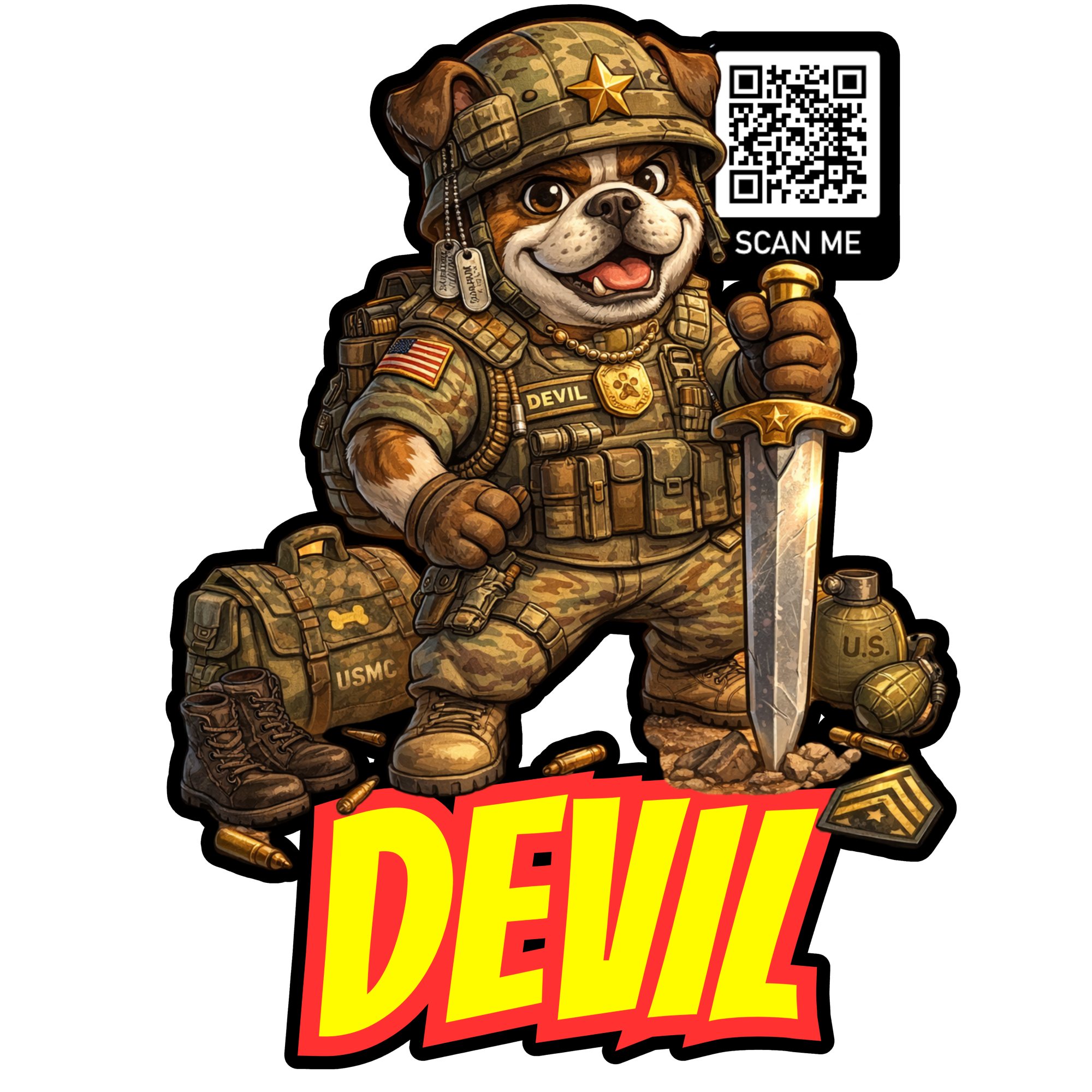
Service & military community
Explore service, teamwork, and leadership through Devil and the experiences of community members.
Open the service guide →Other community programs
Organize a team for a legitimate community service and ask us for setup help.
Open the community guide →Keep your community mission visible.
Place your SmartSlap on a suitable personal item with permission. Use it to introduce the school, library or service your team supports.
Choose a suitable personal item with permission. Keep the SmartSlap's QR visible, and use your own words to explain why the Guardian matters to you.
Personal items are placement examples, not part of the SmartSlaps shipment. A scan or donation is never required to participate.
Which subject would you like to explore?
Meet the Founding Five and read about their subjects.
Nevie
Reading & imagination

Sage
History & outreach

Tula
Focused thinking & math

Sierra
Art, music & expression

Boulder
Courage & steady strength
Exploring a Guardian online does not mean its physical SmartSlap is currently available. Selections depend on inventory and the participating program. Community-partner Guardians retain their dedicated outreach pathways.
SmartSlaps delivered.
Your confirmed Guardian SmartSlaps arrive together with brief printed starting instructions, a QR code, and a readable website address.
We confirm the supply and shipping details with your adult organizer. Larger orders may require a larger mailer or ordinary shipping carton.
The guidance stays online.
Return here for the program explanation, audience guides, Guardian pages, and available learning resources.
The essential instructions are readable on the page. No printer, student login, or donation is required to begin.
One scan opens the donation path.
The SmartSlap QR opens smartslaps.org/scan. Adults choose a cause and complete the donation. Team organizers should share their team link as well so supporters can check team credit.
Children do not sell products, handle money, or have to generate donations. Participation is meaningful even when nobody scans or gives.
See how community support works →A few questions before you begin?
We already requested a kit. Do we need to apply again?
Use your existing request reference or reply to our email. We can help turn your request into a community fundraising team and confirm the next step. Earlier closed requests are not automatically reopened.
Can my child choose a favorite Guardian?
Yes, from the eligible SmartSlaps available through your school or participating program. Availability and quantities are confirmed during request review. Some Guardians are connected with dedicated community-partner outreach.
Do we have to print a guide or create an account?
No. Read the starting instructions and your audience guide online with a grown-up. Printing is optional. No student account is required for ordinary SmartSlaps participation.
What happens after we submit a request?
Requests are reviewed and fulfilled as funding and inventory allow. We will help with team setup and confirm supplies and shipping separately. We confirm the appropriate quantity, Guardian availability, and delivery details before fulfillment.
What should we do when we need more SmartSlaps or help?
Contact SmartSlaps with your adult contact information and organization and request reference. Tell us what you need or what was unclear. Please do not include children's personal information.
Stick to Education.
Build a Generation.
Organizing support for a community mission? A fundraising starter kit helps your team introduce its cause. Learning guides remain available online.
Requests are reviewed and fulfilled as funding and inventory allow. Already requested? There is no need to apply again.
Choose your setup path.
Set up my page
Choose the school, library or public-safety campaign and find your existing team. Select Join the Challenge, sign in as an adult and join that team. Your individual fundraising page can represent a classroom or community group.
Find my challenge →Help me set it up
If your school, library or agency has no team, contact us first. We confirm the intended recipient and create one shared team. Send the organization’s name and location, adult organizer, community purpose and your goal, if you have one. We can help with your page too.
Get setup help →For schools: the school is the shared team; each classroom uses an adult-managed individual fundraiser page within it. See the classroom setup guide.
Save and share the exact fundraising link. A generic SmartSlap QR opens the giving page but does not identify a school, classroom or team automatically. Donors check fundraiser credit and the intended recipient before paying.
Team leaderboards are ordered by amount raised. Givebutter’s individual ranking also considers supporter count, so it is not a dollars-only classroom ranking. Each campaign has its own totals. No combined cross-cause ranking or automatic recipient transfer is implied.
Homeschool families belong here.
Homeschool families and co-ops are welcome as adult-led teams for any community mission. We help you choose a recipient, set up your page and prepare your Guardian SmartSlaps. Personal expenses and personal-use sticker requests are not supported.
Your team receives fundraising credit. The verified school, co-op or community service receives support. For a co-op raising support for its own program, we verify the recipient and donation route.